
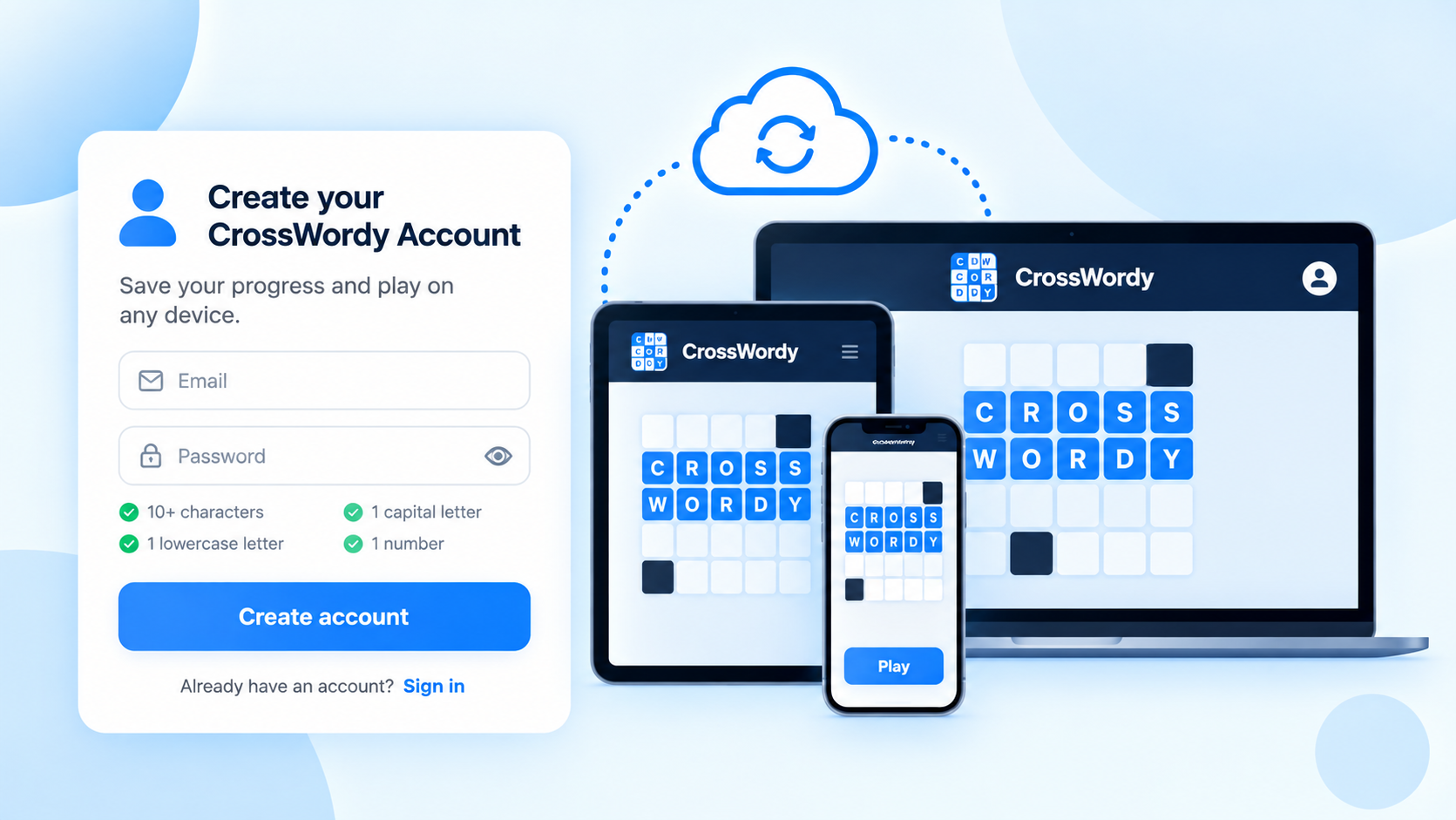
Creating a CrossWordy account lets you protect your progress and continue playing across more than one device. If you switch between mobile, tablet and desktop, signing in makes it much easier to pick up where you left off.
Your account is optional, but it is a useful feature if you want your progress to stay with you. Passwords are encrypted and stored securely.
Why create a CrossWordy account?
A CrossWordy account helps you keep your game progress safe and makes it easier to continue on another device.
- protect your progress
- continue on another device
- sign in again if you change browser or phone
- keep your progress linked to your account rather than just one device
How to create an account
Open the game menu and choose Account.
From there, select Create account, enter your email address and choose a password.
Your password should be strong and include a mix of upper-case letters, lower-case letters and numbers.
Signing in on another device
Once your account has been created, you can sign in on another device using the same email address and password.
This allows you to continue with your saved progress rather than starting again from scratch.
What about passwords and security?
CrossWordy stores passwords securely using encryption. That means your password is protected and is not stored as plain text.
As with any account, it is best to choose a password you do not use elsewhere and keep it somewhere safe.
Email updates are optional
When creating an account, you may see an option to receive updates about CrossWordy news, discounts, new features and launches.
This is optional. You can create an account without subscribing, and if you do subscribe you can unsubscribe later.
Do you need an account to play?
No. You can still play CrossWordy without creating an account.
However, if you want to protect your progress or continue on another device, creating an account is the better option.
Where to find it
In the game, go to Game Menu > Account.
There you can create an account, sign in, and manage your access to CrossWordy across devices.
Ready to protect your progress?
You can create your account from the Account section in the game menu, then continue playing with your progress saved to your account.